


This clinic is limited to the first 20 people who sign up. Participants MUST be pre-registered. Once registered, you will receive instructions via e-mail for setting up an Onshape educational account and using the Onshape Learning Center to start becoming familiar with the software before the clinic.
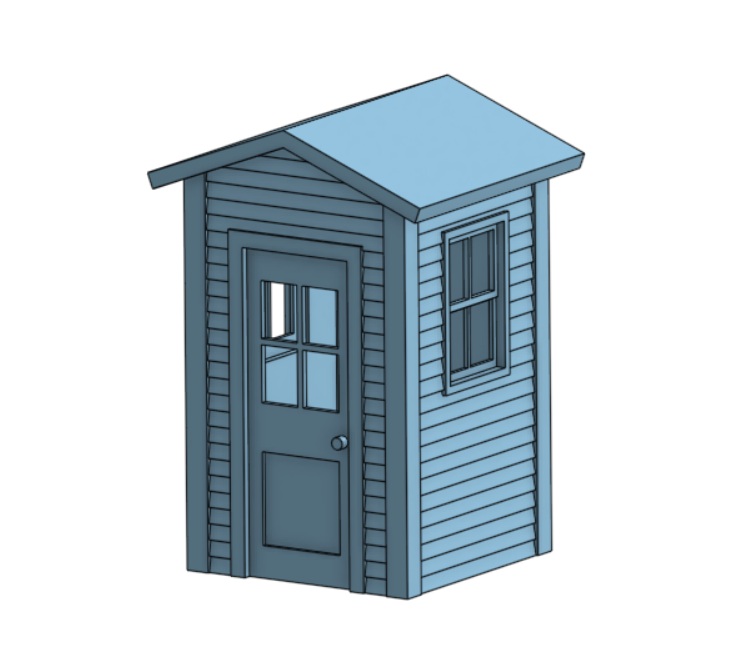
This will be a two-part hands-on clinic using Onshape, a web-based 3D modeling software. Participants will need to register for an Onshape educational software account before coming to the convention, and all participants must bring their own computer to the clinic. The class will attempt to walk participants through the design of a small out-building (shed, watchman’s shanty, outhouse, etc.) to understand the thought process of working in 3D and to understand Onshape’s unique and powerful features. The result should be a 3D model structure that participants can scale to any model railroading scale and export into an .STL file which is the first step to 3D printing the model.
Part 1 will focus on making sure your computer is set up properly to use the Onshape software and to answer any questions you may have about it.
Part 2 will concentrate on actually using the program.